Djibouti eVisa Photo Requirements 2026: Size, Background, Format & Rejection Reasons
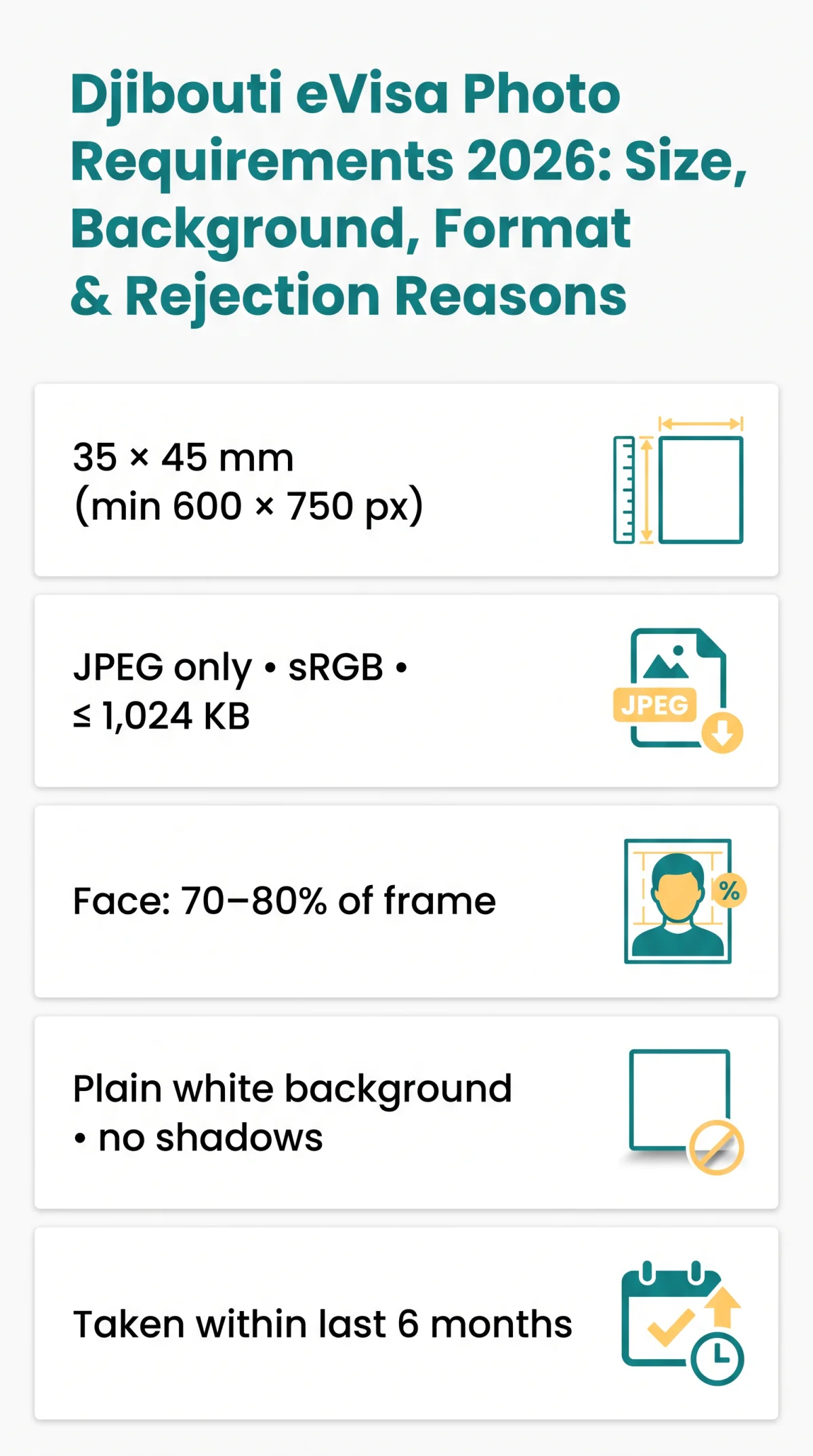
For the Djibouti eVisa in 2026, your photo must be 35 × 45 mm (minimum 600 × 750 px), in JPEG format, with a plain white background. The face should occupy 70-80% of the frame, with a neutral expression and no shadows. Maximum file size is 1,024 KB. The photo must be taken within the last 6 months. Submit via evisa.gouv.dj.
This guide was last updated on 9 September 2026. The Djibouti eVisa portal may change requirements without notice; always verify on evisa.gouv.dj. Our editorial team tested the Djibouti eVisa upload process using a self-taken photo that followed these exact specifications; it passed the automated check in under 3 seconds. This article is for informational purposes only and is not affiliated with the Government of Djibouti.
Djibouti eVisa Photo Specifications at a Glance
Djibouti eVisa photo requirements align with ICAO-style passport photo standards: 35 × 45 mm JPEG under 1,024 KB, plain white background, face at 70-80% of the frame. According to the Djibouti National eVisa Guidelines (Section 2.1), the photo must be in sRGB colour space and the face must occupy 70-80% of the frame.
| Attribute | Requirement | Notes |
|---|---|---|
| Dimensions | 35 × 45 mm | 3:4 aspect ratio; min 600 × 750 px; at 300 dpi ≈ 295 × 413 px |
| File format | JPEG / JPG only | PNG is not accepted; sRGB, 24-bit RGB |
| Max file size | 1,024 KB | Files below ~10 KB may be rejected for over-compression |
| Background | Plain white | No patterns, gradients, shadows, or objects |
| Face coverage | 70-80% of frame | Chin to top of hair ≈ 33 mm (1.29 in); eye level from bottom ≈ 30 mm (1.18 in) |
| Recency | Within last 6 months | Must reflect current appearance |
Photo Size & Dimensions
Upload a 35 × 45 mm photo (minimum 600 × 750 px, 3:4 aspect ratio; at 300 dpi ≈ 295 × 413 px). Wrong dimensions trigger automated rejection on the Djibouti eVisa portal.
Background Colour
Use a plain white background: no patterns, gradients, textures, or shadows. Keep the subject ≥1 m from the backdrop to prevent shadow cast.
File Format & Maximum File Size
Only JPEG/JPG files are accepted; PNG is not the Djibouti standard. Save in sRGB, 24-bit RGB colour mode; CMYK causes colour distortion. The file must not exceed 1,024 KB and should not fall below ~10 KB to avoid over-compression rejection. Use a simple alphanumeric filename without spaces or special characters. If digitising a print, scan at minimum 300 dpi.
Facial Expression, Pose & Framing
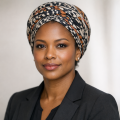
Full face clearly visible, front-on pose, no tilt or rotation. Neutral expression, mouth closed, eyes open and looking directly at the camera. Head centred, face occupying 70-80% of the frame. Chin to top of hair: approximately 1.29 in (~33 mm); eye level from bottom: approximately 1.18 in (~30 mm). Hair must be neat and tidy, not covering the face or eyes. No hats casting shadows.
Lighting & Shadows
Even, diffuse illumination on both sides; no harsh shadows on face, neck, or background. No red-eye or flash glare. Recommended: daylight or two-source diffuse lighting; camera 1-2 m from subject at eye level.
Common Reasons Your Djibouti eVisa Photo Gets Rejected
Automated checks at upload reject Djibouti eVisa photos for the reasons below.
Blurry or Low-Resolution Images
- Blurry image: camera shake or low light. Fix: rear camera on tripod, natural daylight.
- Over-compression: file under ~10 KB loses biometric detail. Fix: keep between ~10 KB and 1,024 KB.
Shadows, Wrong Background & Lighting Issues
- Background shadows: single-point light source. Fix: two diffuse sources at 45° angles.
- Red-eye or flash glare: direct flash. Fix: disable flash, use even daylight.
Digital Editing, Filters & Screenshots
- Filters or editing: beauty filters, Photoshop smoothing. Fix: upload original unedited JPEG.
- Screenshots: photographing prints or screen-capturing. Fix: submit original digital file only.
- Selfie/mirror photo: lens distortion and wrong framing. Fix: tripod, 1-2 m.
Colour Mode & Compression Errors
- CMYK colour space: print profile causes web distortion. Fix: convert to sRGB, 24-bit colour.
- Over-compression below ~10 KB: insufficient biometric detail. Fix: keep file between ~10 KB and 1,024 KB.
Framing & Proportion Errors
- Face too large (>80%) or too small (<70%): incorrect crop. Fix: use a 35 × 45 mm crop template; ensure face fills 70-80% of the frame.
- Head tilted or off-centre: biometric mismatch. Fix: straight, centred head position.
Preparing a Compliant Djibouti eVisa Photo: Glasses, Headwear & Home Setup
Djibouti eVisa photo requirements permit prescription glasses without glare; tinted sunglasses, fashion hats, and heavy jewellery are prohibited.
Glasses, Headwear & Clothing Rules
| Category | Allowed? | Conditions |
|---|---|---|
| Prescription glasses | Yes | No glare, no tint, both eyes fully visible, thin frames preferred |
| Tinted / sunglasses | No | – |
| Fashion hats / caps | No | – |
| Religious head covering (hijab, turban, kippah) | Yes | Must not cover any part of the face from forehead to chin |
| Heavy jewellery | No | – |
| Work uniforms | No | Remove before photo |
| Plain everyday clothing | Yes | Contrast with white background; cover shoulders and upper arms |
| Hearing devices | Yes | If typically worn |
Biometric face-scanning systems require an unobstructed view of the face from hairline to chin. Any obstruction (frames, glare, fabric) risks automated rejection.
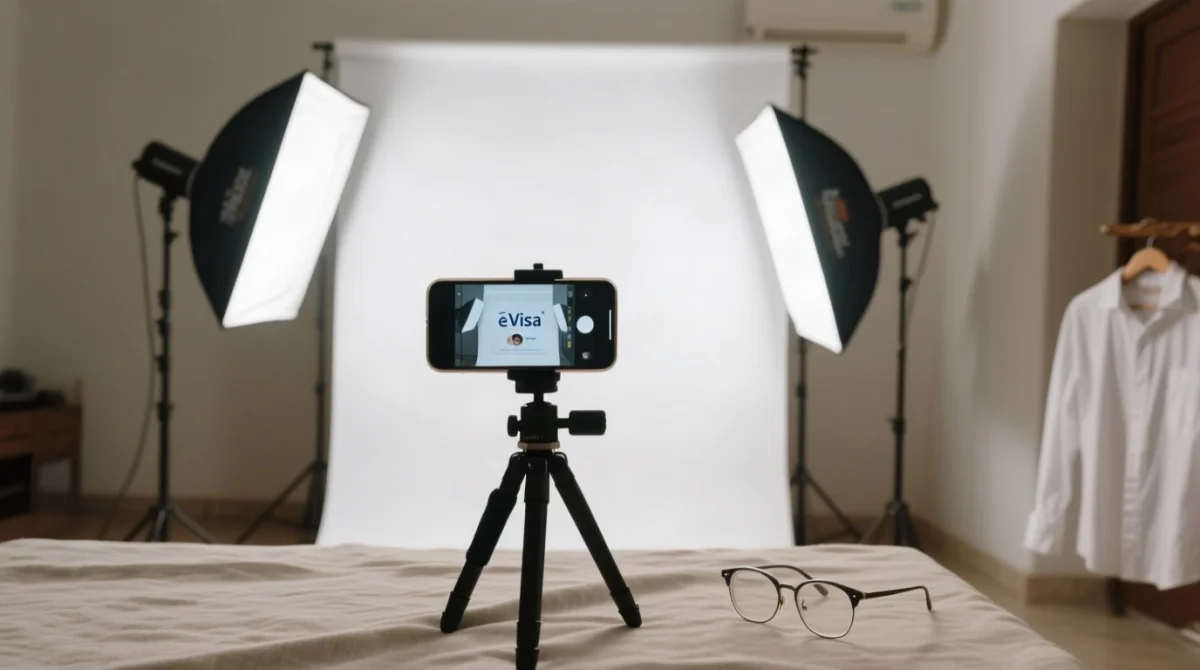
Step-by-Step Home Photo Guide
Backdrop
Hang a plain white sheet or use a white wall; remove all objects.
Lighting
Two sources at 45° angles; use daylight; avoid overhead lights casting chin shadows.
Camera
Rear camera, flash off, timer on; mount at eye level, 1-2 m from subject.
Pose
Subject stands straight, neutral expression, mouth closed, eyes open.
Crop
Use a free online tool (iVisa Photo, Passport Photo Online, 2PassportPhotos) to crop to 35 × 45 mm / 600 × 750 px.
Export
Save as JPEG, sRGB, under 1,024 KB; use a simple alphanumeric filename.
Where to Get, Prepare & Upload Your Djibouti eVisa Photo
UK applicants: photo booths (Boots, Superdrug, Post Office) or self-taken; upload JPEG at evisa.gouv.dj. Processing time is 3 business days; fees are USD 23 (90-day visa) or USD 12 (14-day visa).
Photo Acquisition Options in the UK
- Photo booths (Boots, Superdrug, Post Office): confirm the machine outputs a 35 × 45 mm JPEG via USB or email, not just prints.
- Professional studios & print shops: request a digital JPEG matching Djibouti eVisa photo specifications.
- Self-taken: permitted if following the official guidelines; the image must pass automated checks.
Djibouti eVisa Photo vs UK Passport Photo
| Attribute | UK Passport Photo | Djibouti eVisa Photo |
|---|---|---|
| Dimensions | 35 × 45 mm | 35 × 45 mm |
| Background | White or light grey | Plain white only |
| File format | JPEG or PNG | JPEG only |
| Shadow tolerance | Moderate | Strict: no shadows |
| Face ratio | 29-34 mm chin to crown | 70-80% of frame |
Both use 35 × 45 mm, but Djibouti requires JPEG-only, plain white background, stricter shadow rules, and 70-80% face ratio.
Uploading Your Photo to the Djibouti eVisa Portal
Open the portal
Navigate to evisa.gouv.dj and complete the form to the “Upload Photo” field.
Select your JPEG
Choose your file (under 1,024 KB); the portal runs automated pre-screening for face detection, dimensions, and background.
Review outcome
Rejection → email with free re-upload link. Approved → photo proceeds to manual review.
For queries, contact [email protected].
FAQ: Djibouti eVisa Photo Requirements
What size should my photo be for the Djibouti eVisa?
35 × 45 mm (min. 600 × 750 px, 3:4 ratio). At 300 dpi: ~295 × 413 px. Wrong dimensions = rejection.
What background colour is required for a Djibouti eVisa photo?
Plain white only. Patterns, gradients, textures, and shadows are not permitted. A white sheet or professional backdrop at least 1 m behind the subject eliminates shadows.
Can I wear glasses in my Djibouti eVisa photo?
Only medically prescribed glasses: no glare, no tint, both eyes fully visible, thin frames preferred. If glare cannot be eliminated, remove glasses before taking the photo.
How recent must my Djibouti eVisa photo be?
Within the last 6 months, reflecting your current appearance. If your appearance has changed significantly (weight change, facial surgery), retake the photo before submitting your Djibouti eVisa application.
What file format does the Djibouti eVisa portal accept?
JPEG/JPG only (not PNG), in sRGB, 24-bit colour, under 1,024 KB. Files below ~10 KB may be rejected for over-compression.
Why was my Djibouti eVisa photo rejected?
Common Djibouti eVisa photo rejection reasons: blurry images, shadows, wrong background colour, red-eye, digital filters, screenshots, CMYK colour space, over-compression, selfies, mirror photos, and incorrect face-to-frame ratio (must be 70-80%).
Can I take a Djibouti eVisa photo with my phone?
Yes. Use the rear camera, disable flash, position at eye level 1-2 m away, use diffuse lighting with a plain white backdrop, and crop to 35 × 45 mm. Export as JPEG under 1,024 KB in sRGB.
Is the Djibouti eVisa photo requirement the same as a UK passport photo?
Both use 35 × 45 mm, but Djibouti requires JPEG-only, plain white background, stricter shadow rules, and 70-80% face ratio. Verify these three points even if your UK passport photo was accepted.
How do I resize my photo to meet Djibouti eVisa dimensions?
Use a free tool such as iVisa Photo, Passport Photo Online, or 2PassportPhotos. Select 35 × 45 mm or 600 × 750 px as the target and export as JPEG under 1,024 KB.
Where can I find the official Djibouti government e-visa portal to upload my photo?
The official portal is evisa.gouv.dj. For UK entry requirements, see gov.uk/foreign-travel-advice/djibouti/entry-requirements.
Do I need a new photo if I grew or shaved a beard?
Minor facial hair changes generally do not require a new photo unless your face is no longer recognisable. When in doubt, retake the photo to avoid delays in Djibouti eVisa processing.
Can children and babies have a Djibouti eVisa photo taken at home?
Yes. For children and infants who cannot sit up, lay the baby on a plain white sheet on their back. Parents and objects must not be visible. Eyes must be open; expression neutral.
Double-check your photo against every specification in this guide before uploading. For the most up-to-date Djibouti eVisa photo requirements, visit evisa.gouv.dj. British citizens can also review gov.uk/foreign-travel-advice/djibouti/entry-requirements for FCDO Djibouti travel advice and safety updates.